PhotoCraft.
Create freely.
Meet PhotoCraft, an open-source image editor.
From your first install to your next creation.
Downloads, tutorials and practical guides, all in one place.
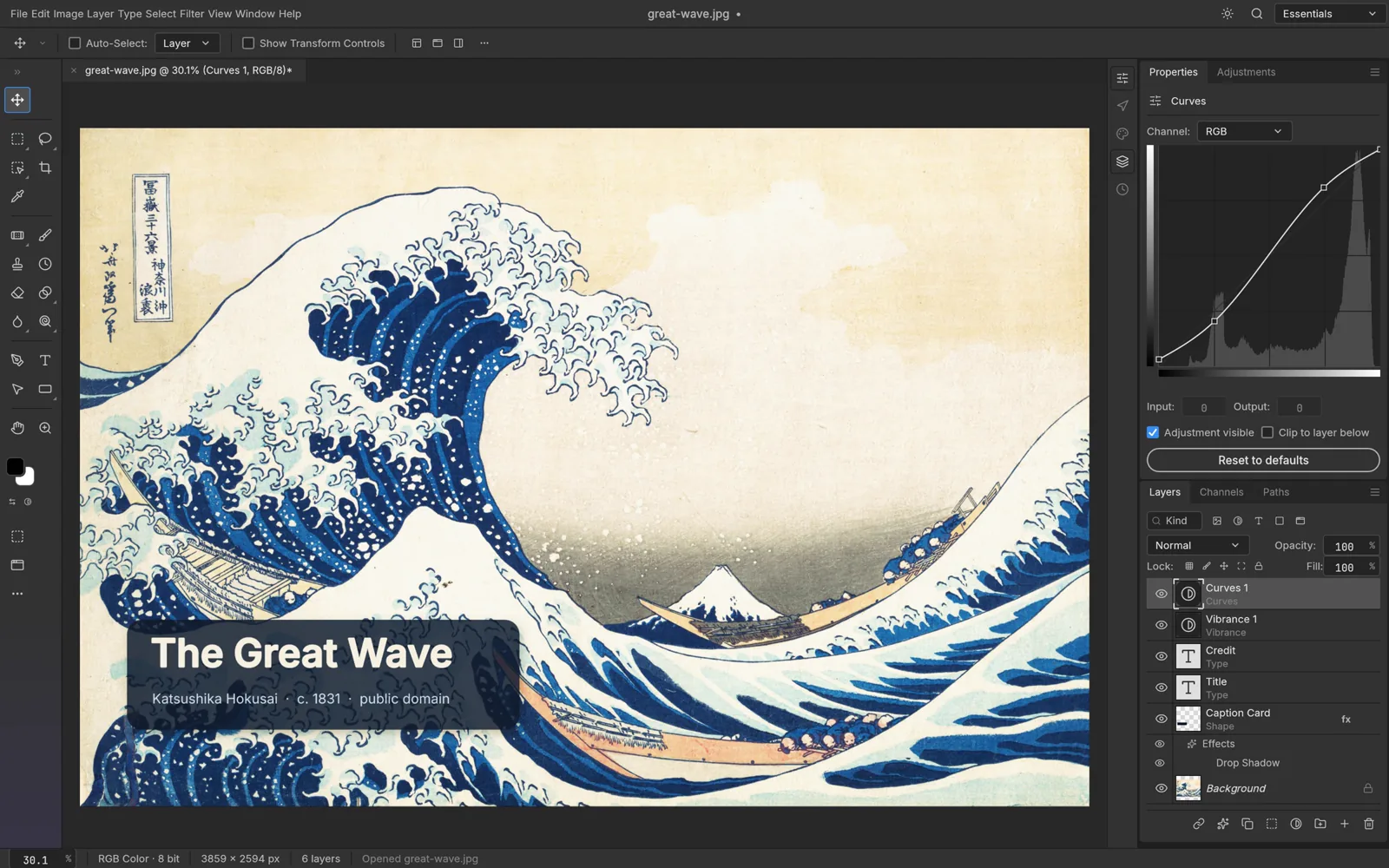
Your next creation starts here.
Less searching. More creating.
Download PhotoCraft
Find the official build for your device.
Get started with confidence.
Installation & first steps
Step-by-step guides for your platform.
From download to your first document.
Shortcut reference
Familiar workflows.
Useful shortcuts at your fingertips.
Compare with Photoshop
Explore what is available today,
and what is still being developed.
See the tools. Learn the workflow.
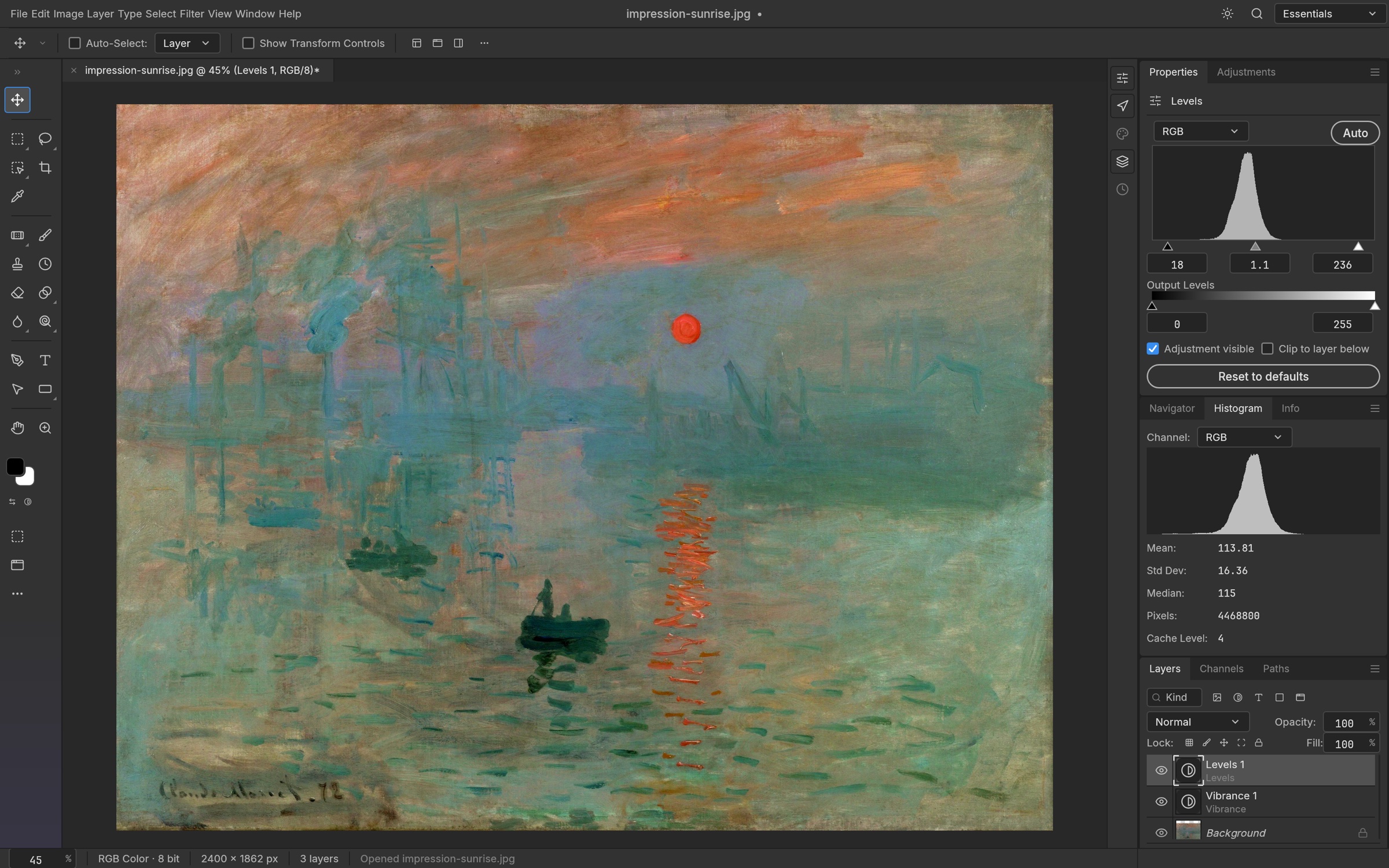
Adjust color. Keep your original.
Explore adjustment layers and compare edits without merging your original photo.
Read the guide →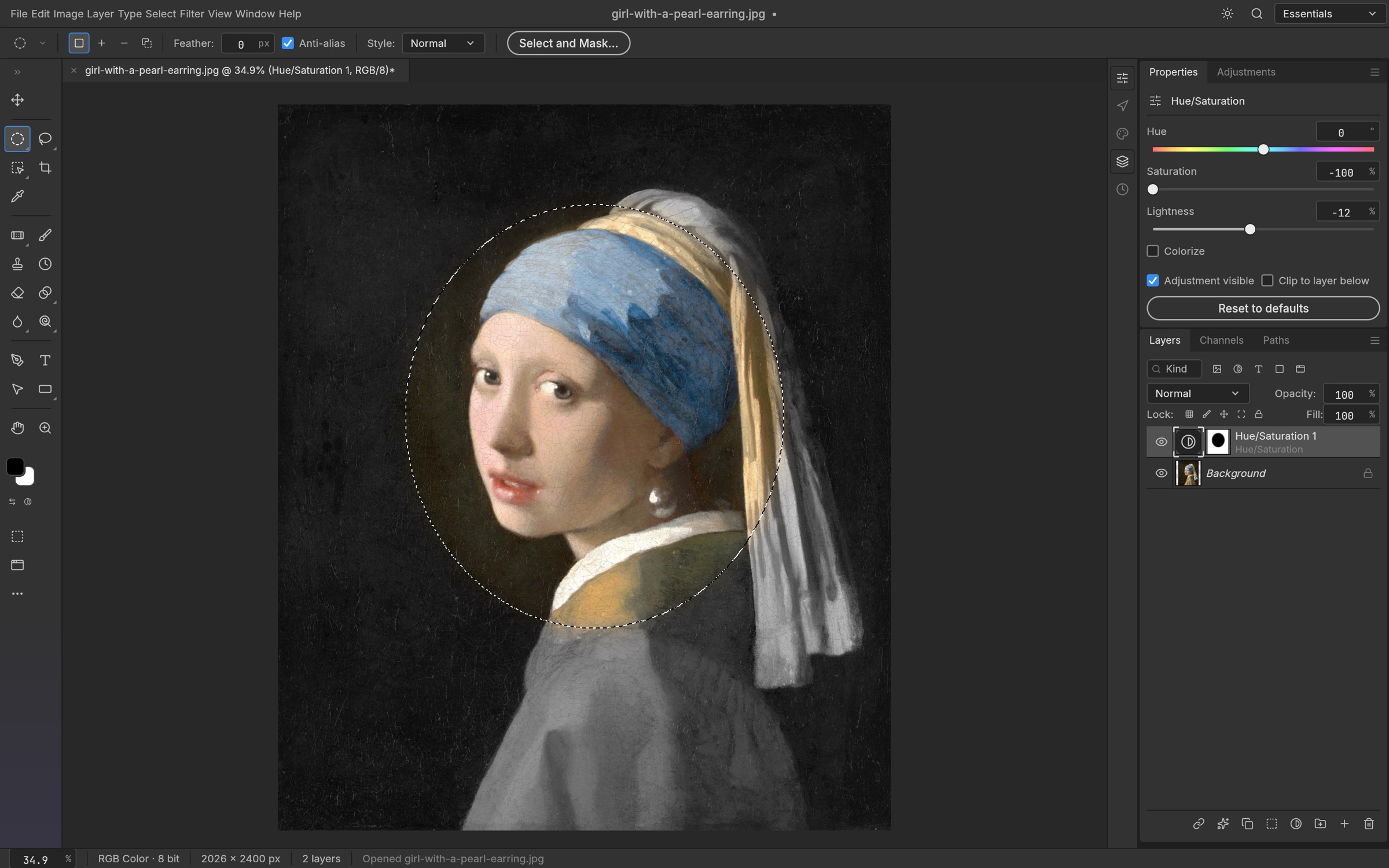
Make an edit where it matters.
Understand why masks, clipping and layer relationships matter when exchanging a PSD.
Read the guide →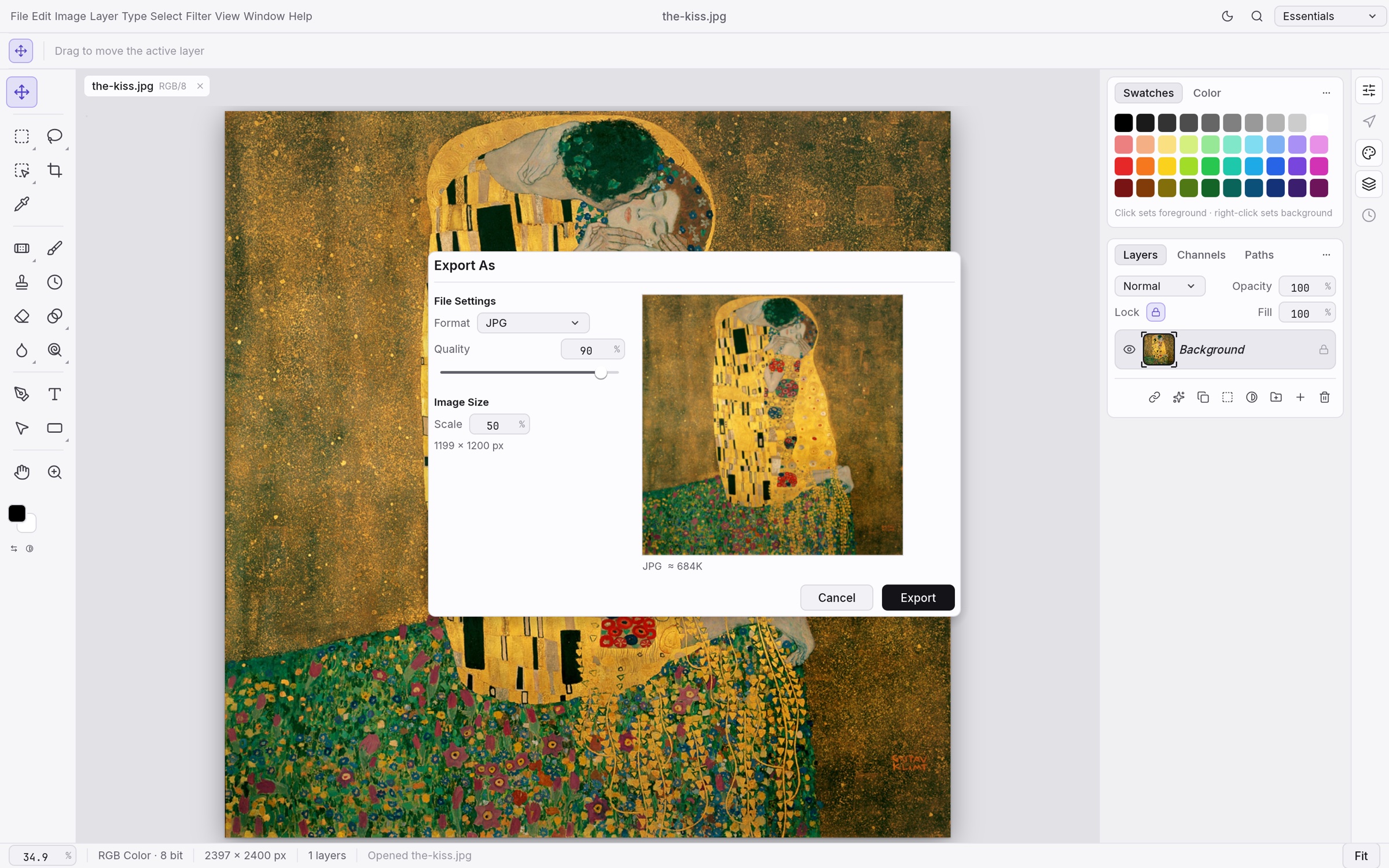
Save a project. Share an image.
Learn the difference between an editable document and an exported PNG or JPEG.
Read the guide →Official PhotoCraft screenshots · public-domain artwork · examples, not a compatibility guarantee.
Checked Oct 10, 2026 · See what changed and how to verify an upgrade.
Pick your platform.
Start creating.
All downloads are directed to the
official PhotoCraft website or GitHub Releases.
Last verified: Oct 10, 2026
Official installation guide ↗
PhotoCraft for Windows
MSI installer / portable ZIP
- Choose your architecture
Choose x64 for most Intel / AMD PCs, or arm64 for ARM devices. Match the official installer to your device architecture.
- Install or extract
Run the MSI and follow the installation wizard. For the portable ZIP, extract all files before launching the app.
- Open your first file
Use File → Open to open an image or a copy of a PSD. Check the layers, then save it as a new file.
Familiar keys.
Smoother flow.
Less menu hunting. More creative focus.
Find the right shortcut for your next action.
Default shortcuts are shown here. Custom or imported mappings may differ; check the shortcuts in your app menus.
Official shortcut implementation ↗
PhotoCraft vs. Photoshop
Know the differences before choosing your tool.
| Feature / workflow | PhotoCraft Open source | Adobe Photoshop |
|---|---|---|
| Licensing & usage | Free · MIT / Apache-2.0 dual license | Commercial software · Subscription license |
| Layers & masks | ✓ Supported · Still being refined | Supported · Mature workflows |
| PSD / PSB files | ◐ Read and write support · Verify complex documents | Native format |
| Adjustment layers & layer styles | ✓ Supported · Check rendering differences | Supported · Widely used in professional production |
| Generative AI | ◐ Not yet on par with Photoshop | Generative Fill and other generative features |
| Plugins & extensions | ◐ Developing ecosystem · PS plugin compatibility is not guaranteed | Established plugin and extension ecosystem |
| Best suited for | Learning, exploration and open-source automation experiments | Professional delivery and established production workflows |
Based on PhotoCraft roadmap , Adobe Photoshop product overview and Adobe generative AI documentation. Last verified: Oct 10, 2026.
Great tools.
A creative community.
Explore the source, follow progress and share feedback.
Join the PhotoCraft and ArtCraft community.
Plugins & extensions
Coming later: extensions with verified compatibility.
Templates & creative assets
Coming later: assets with clear licenses and compatible versions.
Good questions.
A few things to know before you begin.
Is PhotoCraft free?
The official project is open source under your choice of MIT or Apache-2.0. Download it through official channels and consult the repository licenses for usage and redistribution terms.
Can it fully replace Photoshop?
Not yet. The project is still in early alpha. Professional workflows, generative AI, complex document compatibility and the plugin ecosystem have gaps. Try your most common tasks using copies of your files first.
Can I open my existing PSD files?
PhotoCraft can read and write PSD / PSB files, but complex effects, text and third-party plugin content may differ. Keep your original file, save a copy, and check layers, text and the final rendering.
Is this the official PhotoCraft website?
No. This is an independent resource hub with official links and getting-started guides. We are not affiliated with ArtCraft or Adobe. Official releases are the source of truth for software, versions and feature status.