Choose the right download
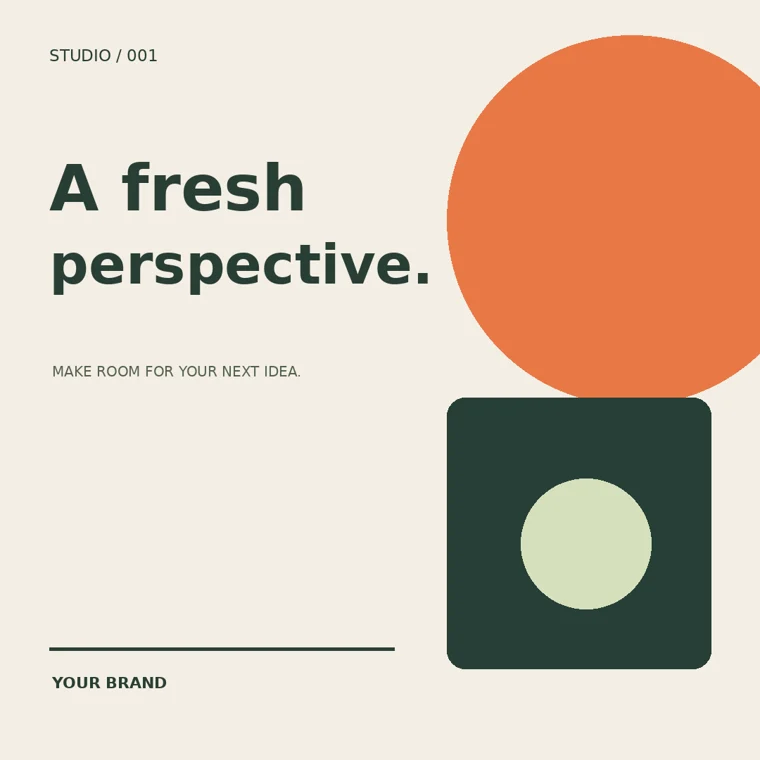
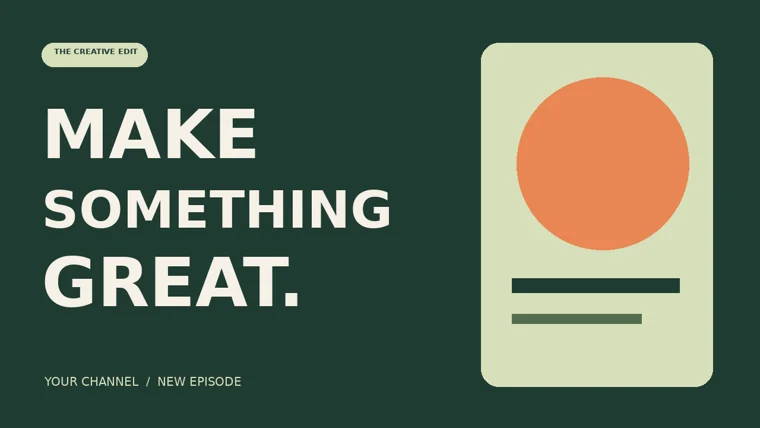
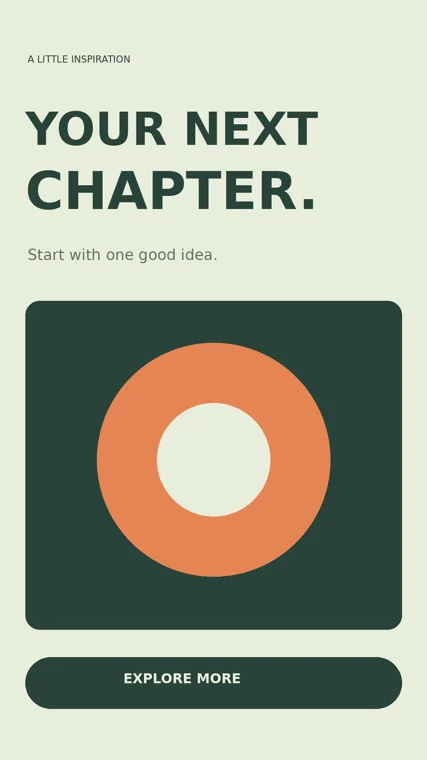
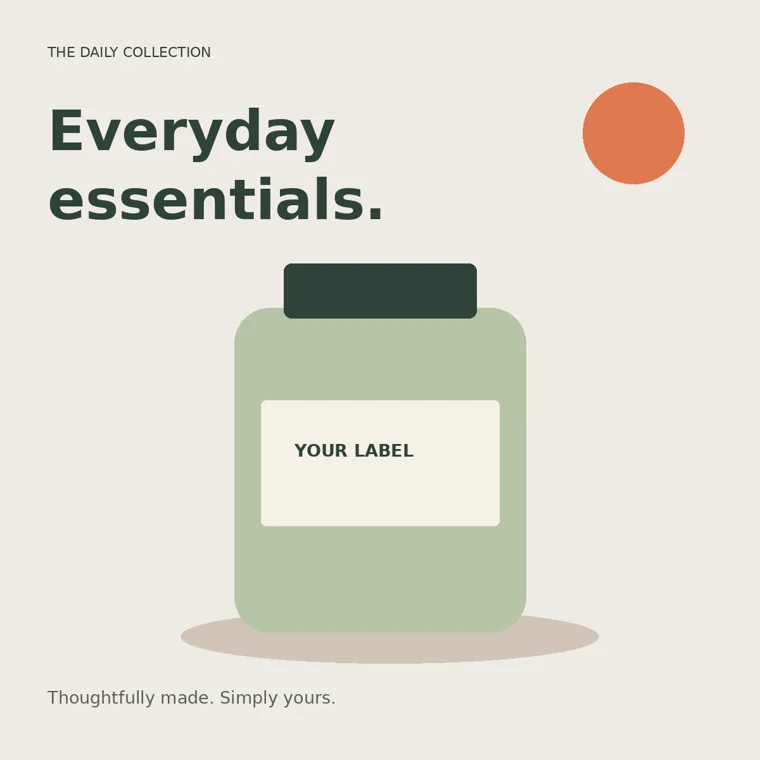
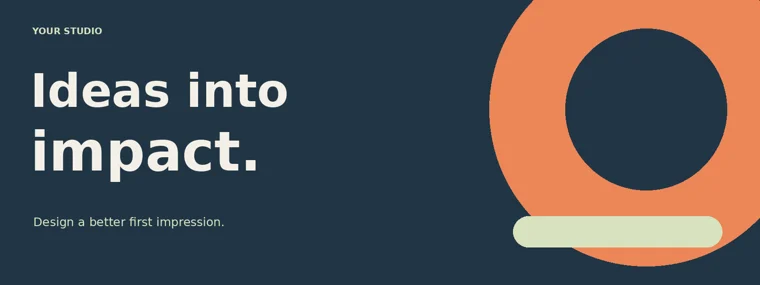
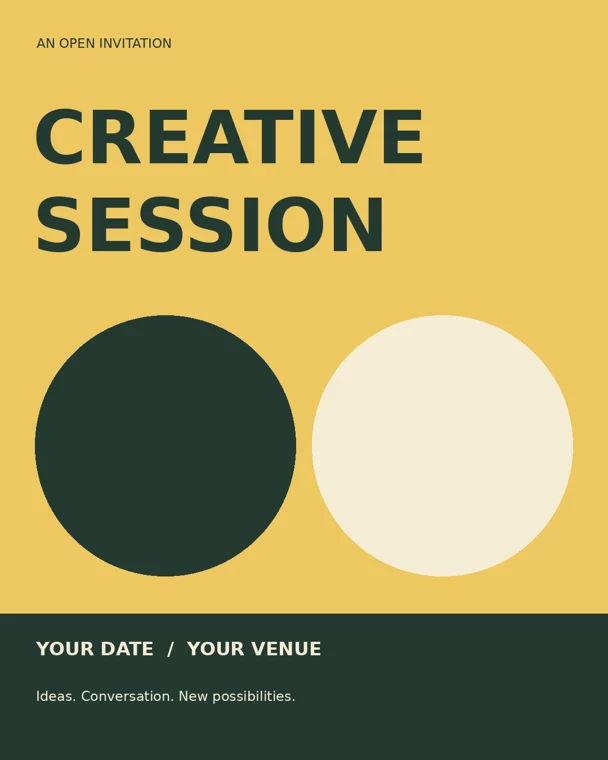
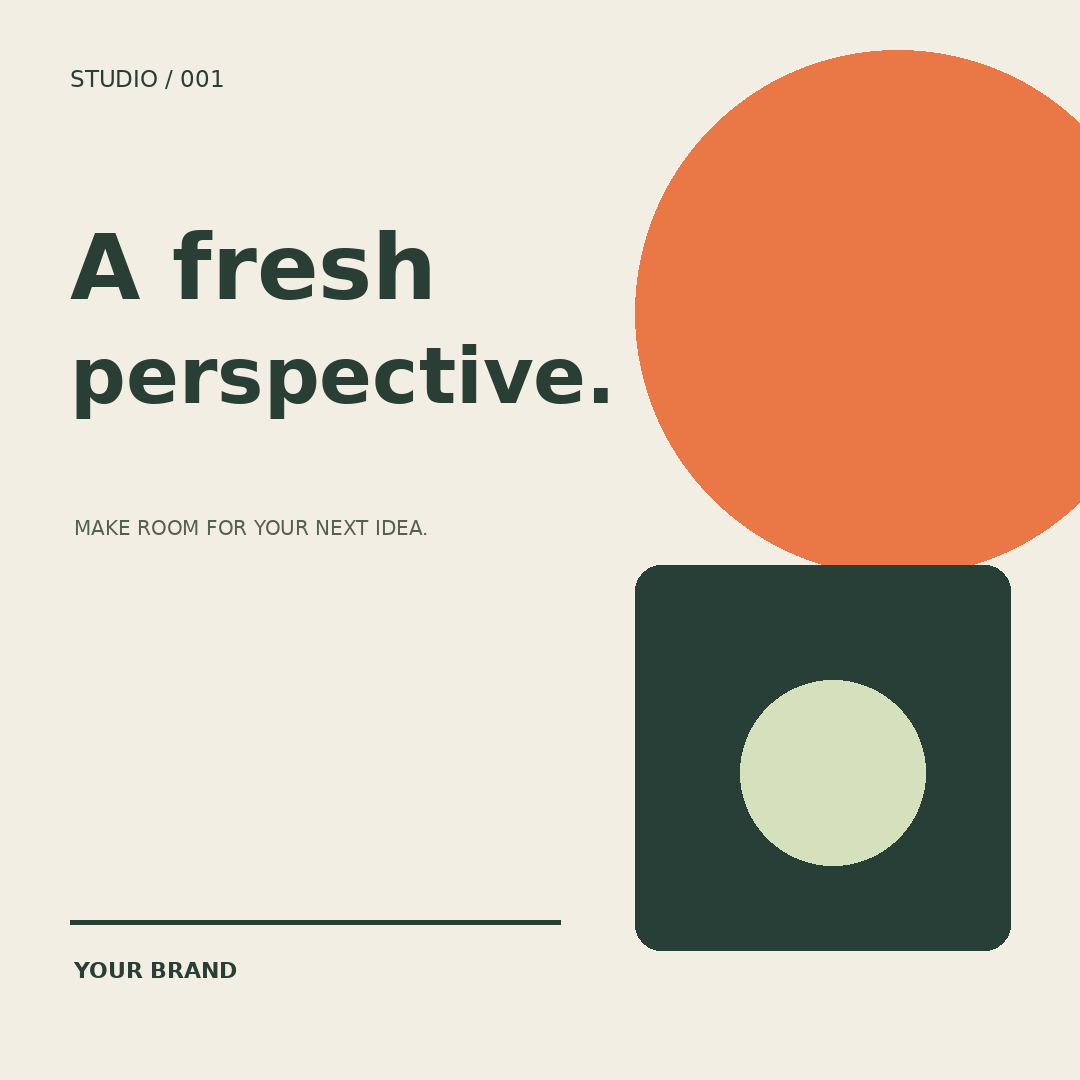
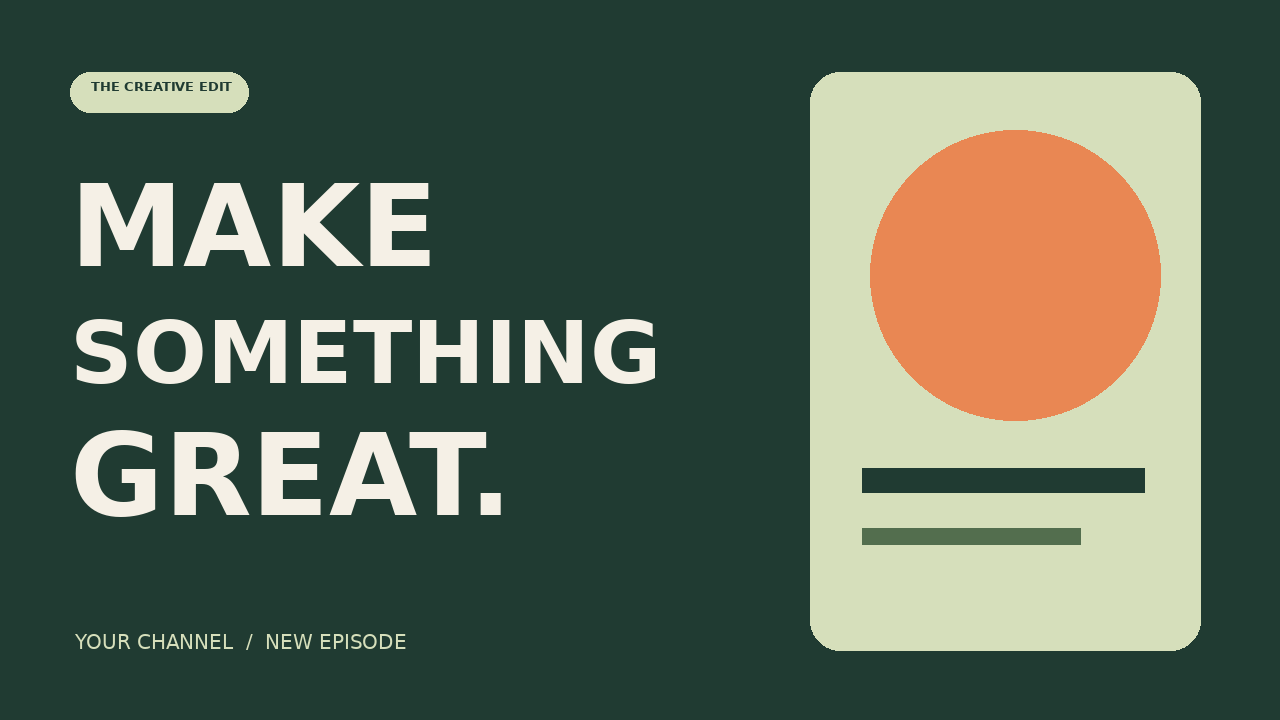
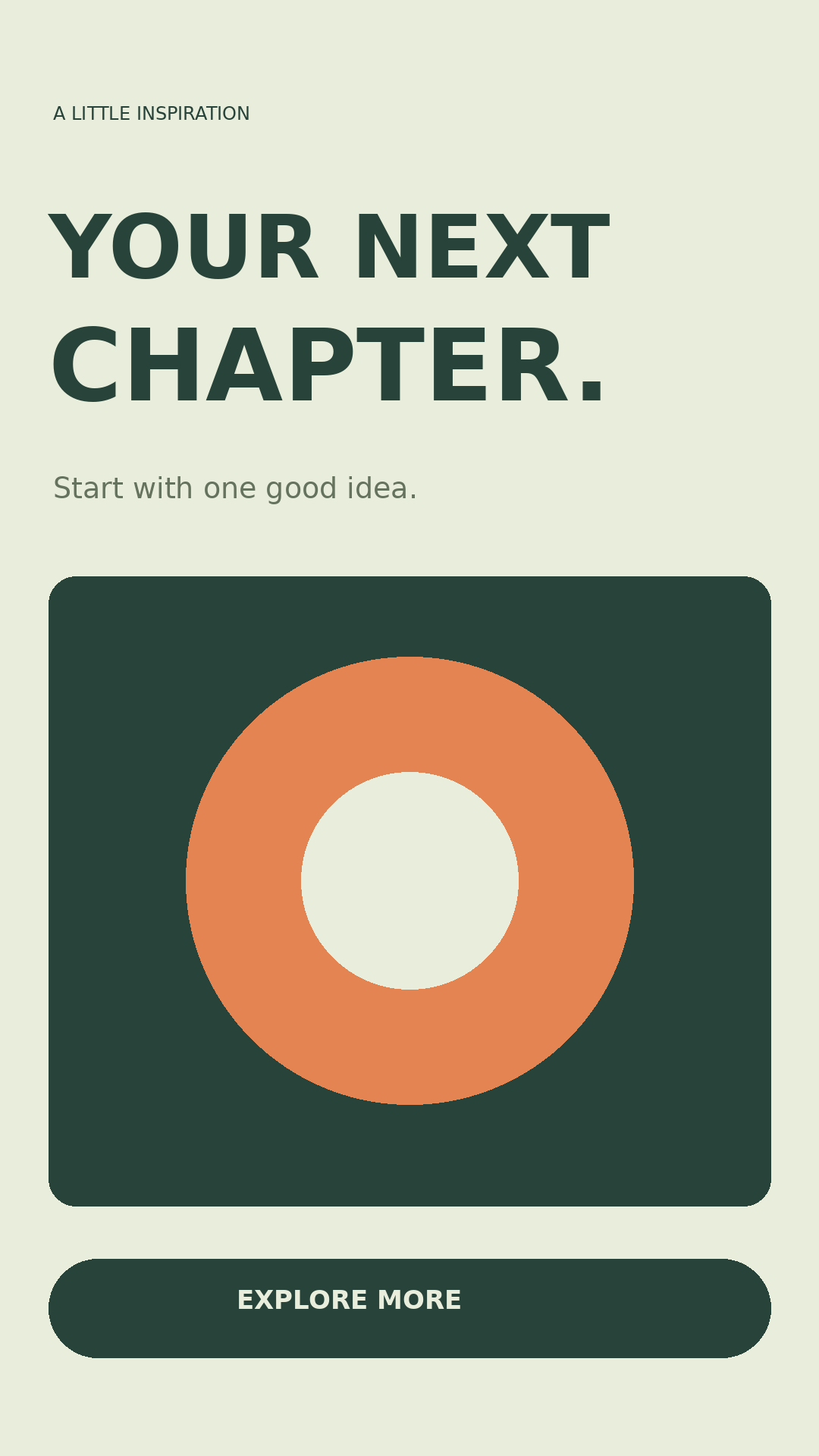
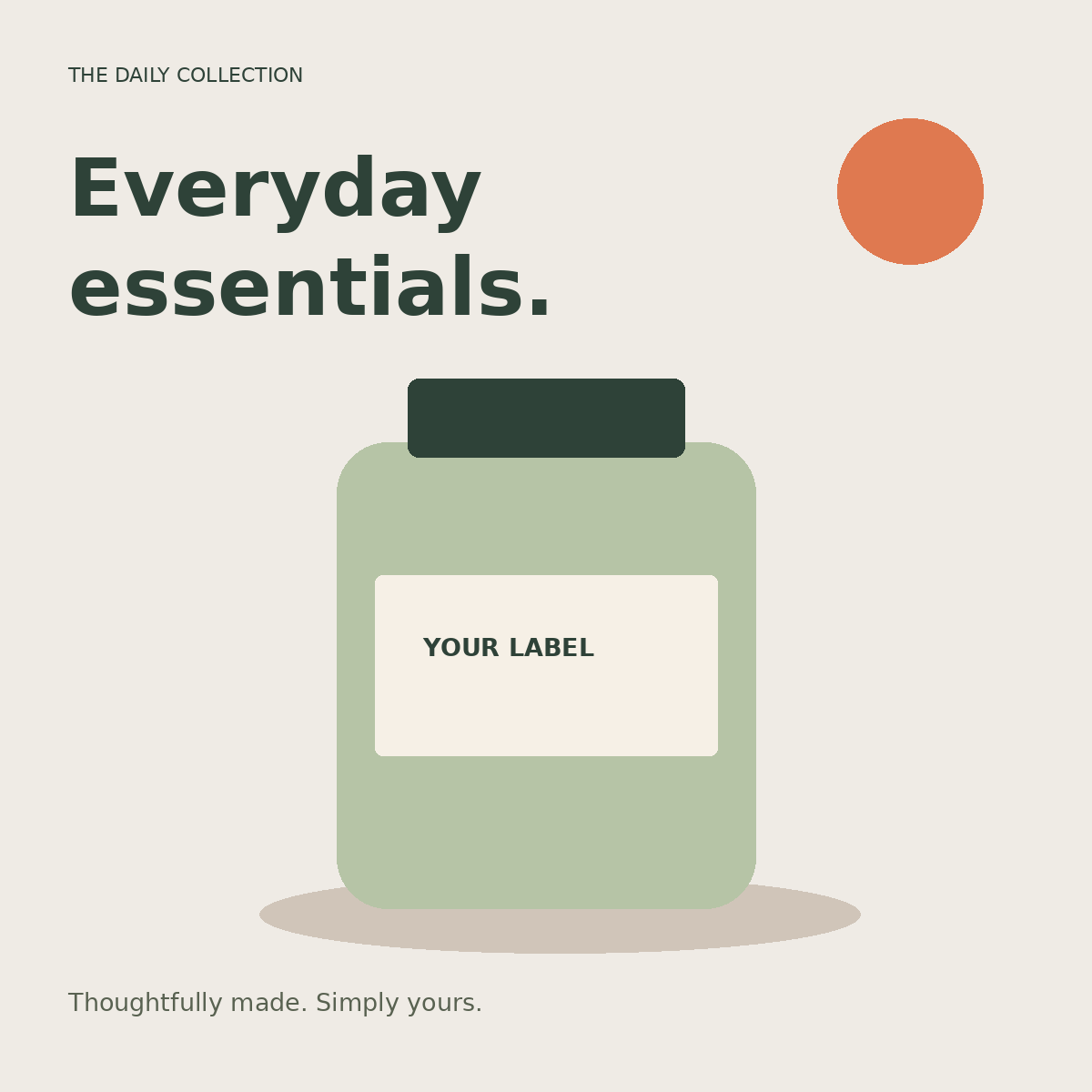
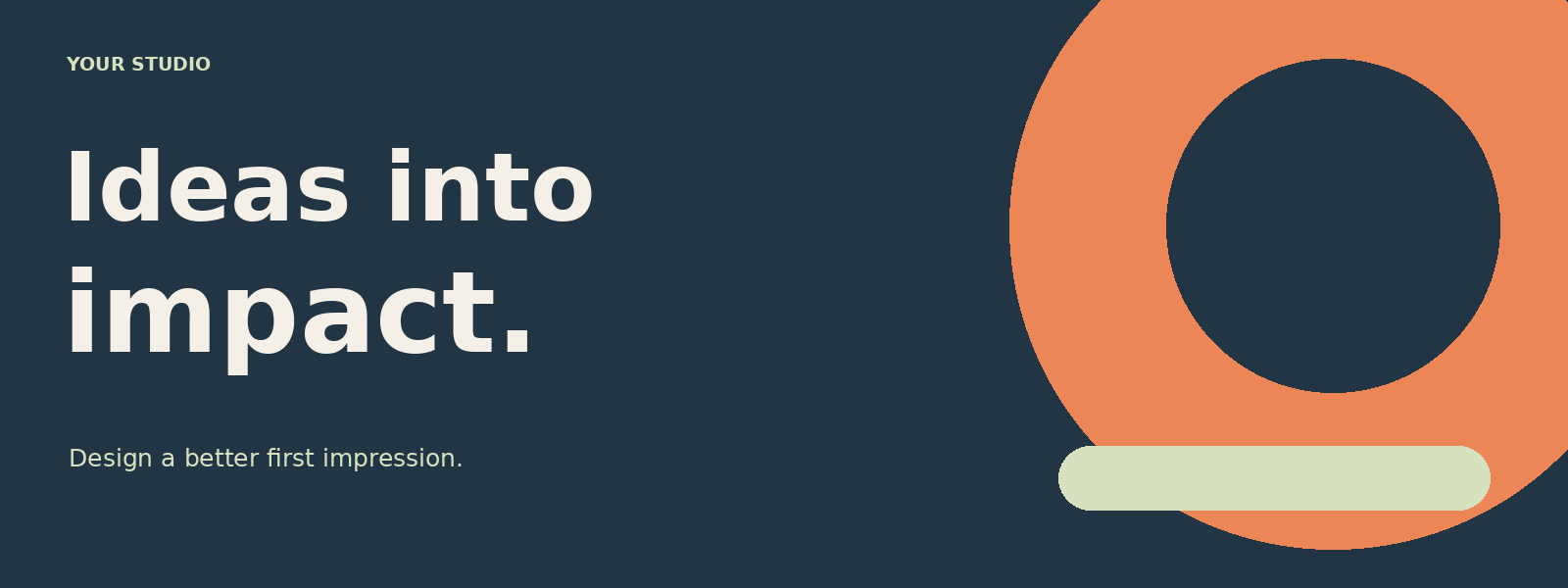
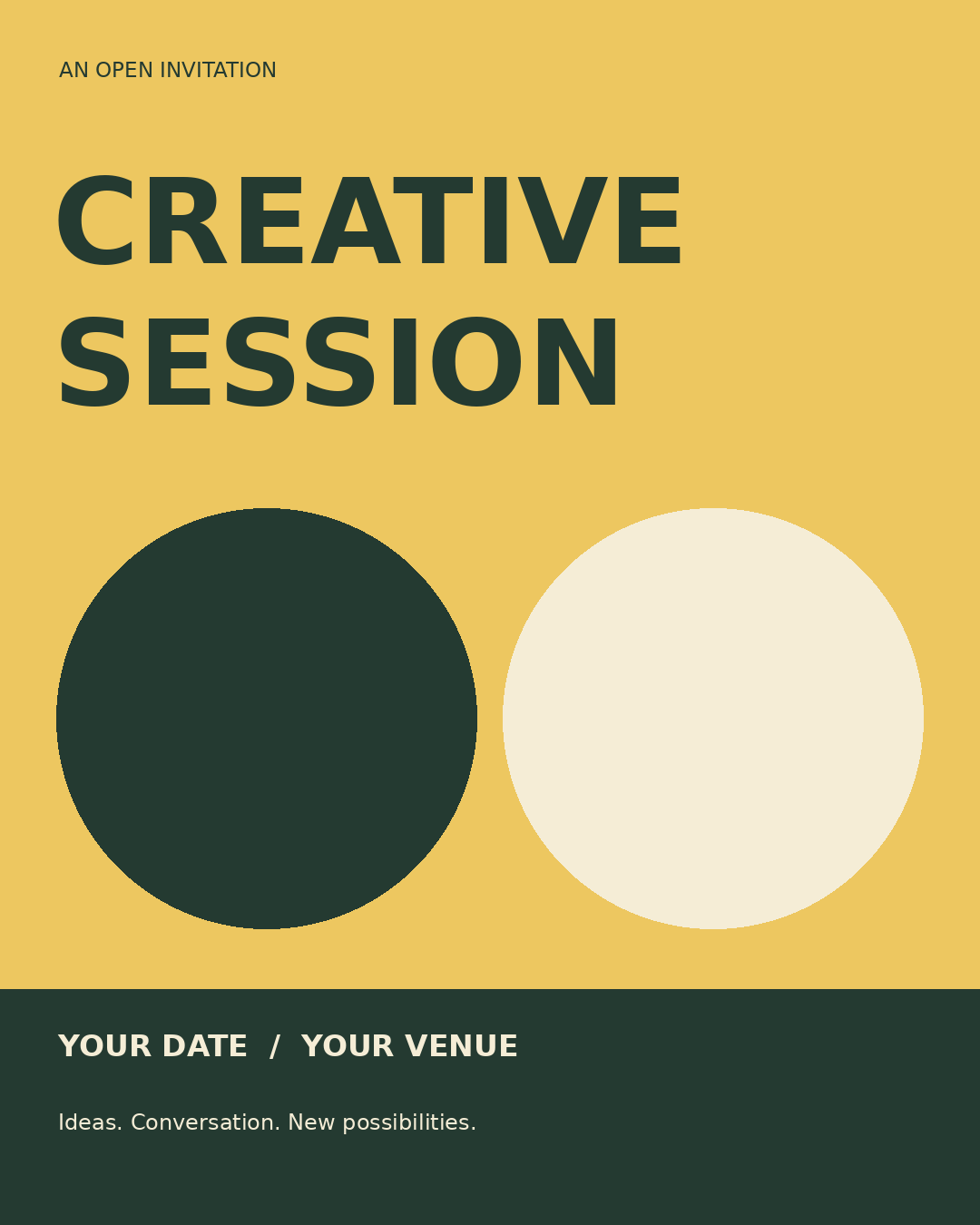
Template ZIP: layered PSD, ready-to-use PNG, optional SVG vector source, bilingual README and license. PSD: download the layered document alone. PNG: download a flattened image ready to place in a layout. CUBE: download a color preset.
All 14 resources are original geometric layouts, procedural textures or mathematical color looks produced for this independent site. They contain no third-party photographs and no bundled font files. Template lettering is in English as an example; replace it with your own language.
Download the permission file · Download the bilingual instructions
Edit a layered template
- Unzip the pack and open its PSD using File → Open.
- Find the separate background, decorative shapes, image placeholder and sample lettering layers.
- To replace words, hide Sample lettering - hide and replace and use the Type tool to add new text. The included PSD lettering is rasterized, not live type.
- Replace the image placeholder with your own image on a new layer. Move and resize it to fit.
- Save to a new filename and reopen it before exporting PNG or JPEG.
The optional SVG keeps text elements editable in a vector editor. Font substitution may change line lengths. We do not claim PhotoCraft SVG import support or include smart-object mockups.
Use a texture or color preset
PNG textures: open the texture, copy it into your project as a layer and resize it. Lower opacity for a subtler background. Four 1024 × 1024 images are included; they are not ABR brush files or PAT preset files.
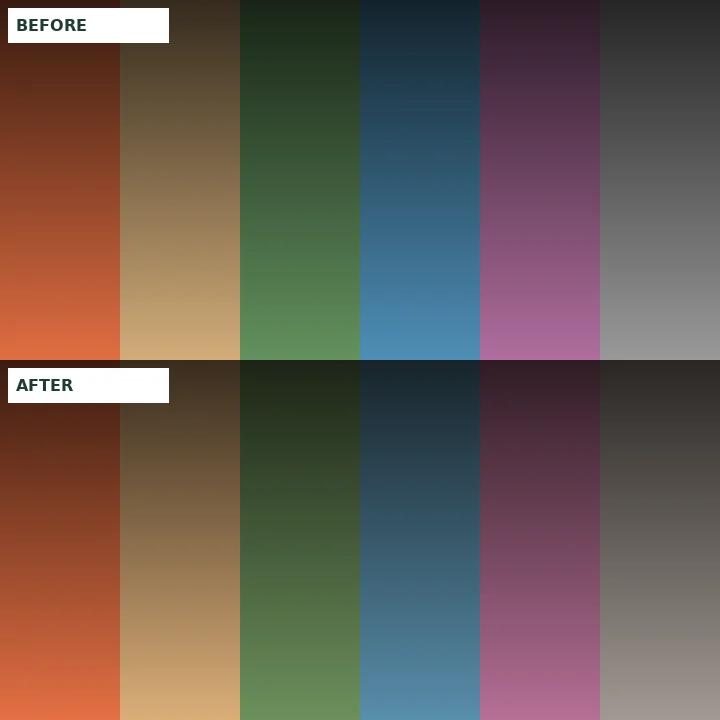
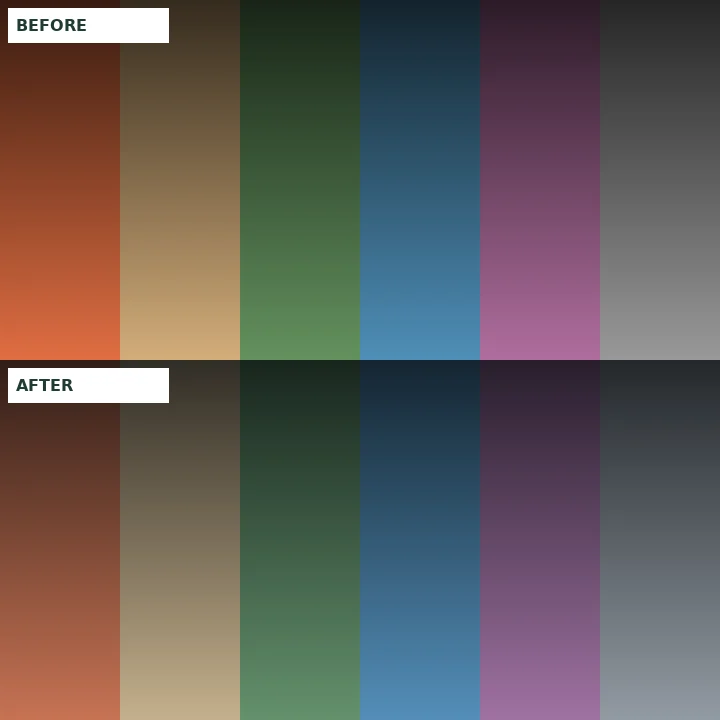
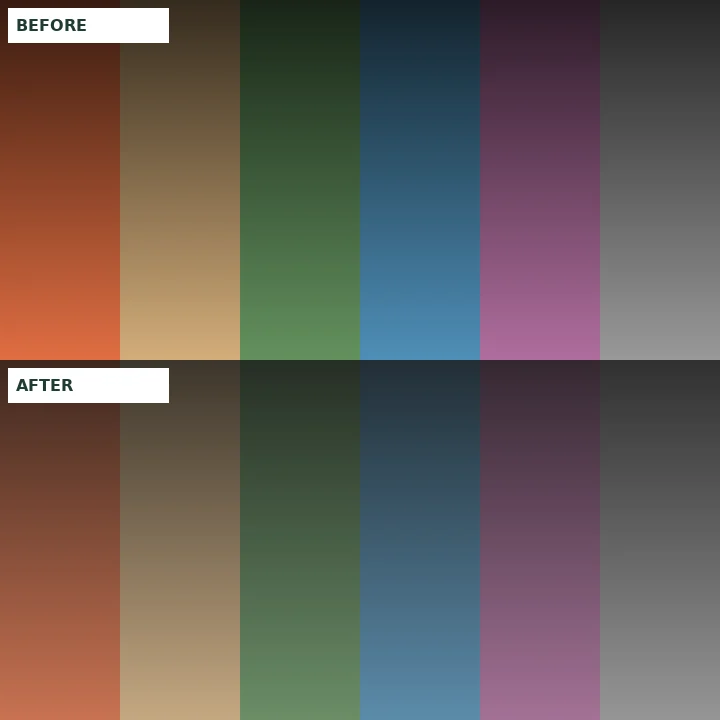
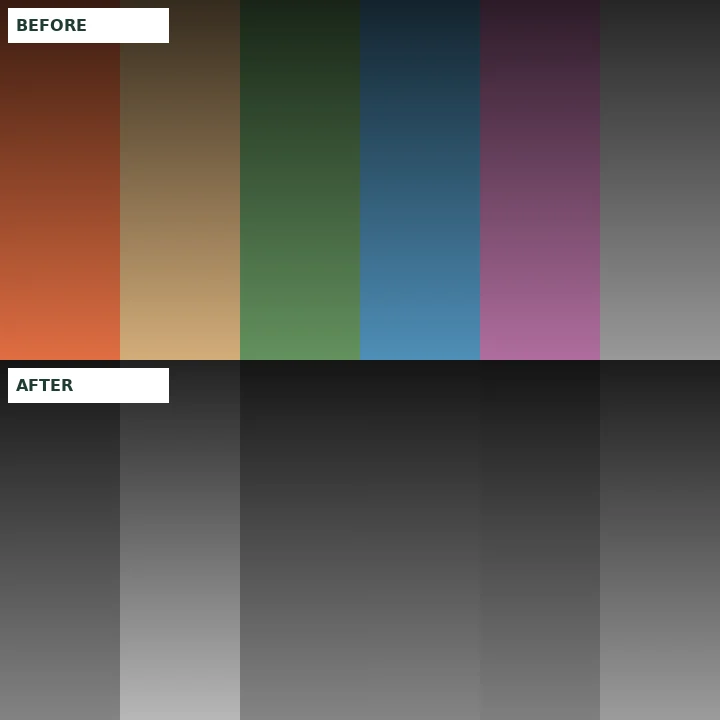
CUBE LUTs: use the documented Color Lookup adjustment in a compatible PhotoCraft build. Load the .cube file, compare visibility and adjust opacity. These are creative looks for standard RGB photos, not LOG conversions. The previews are generated color charts, not app screenshots.
License and validation
Commercial use permitted. You may use, modify and redistribute these original assets in personal work, client projects and finished products. Attribution is appreciated but not required. This permission applies to the files in this collection, not to linked third-party resources or software.
Validation includes PSD layer decoding and composite comparison, PNG decoding, CUBE entry counts and ranges, and ZIP integrity. We have not opened these files inside PhotoCraft. Keep originals and test a copy before relying on a production workflow. Assets are provided as-is without warranty.
Created October 12, 2026 · Collection v1.0 · Independent of ArtCraft and Adobe.
Explore external resource sources
For additional third-party layouts, browse Resource Boy. External assets have their own licenses and are not part of our starter collection. Their PhotoCraft compatibility has not been tested here.
Sources & scope
Written from official documentation and editorial guidance. Not an exhaustive compatibility test. Menu names and behavior can change between releases.